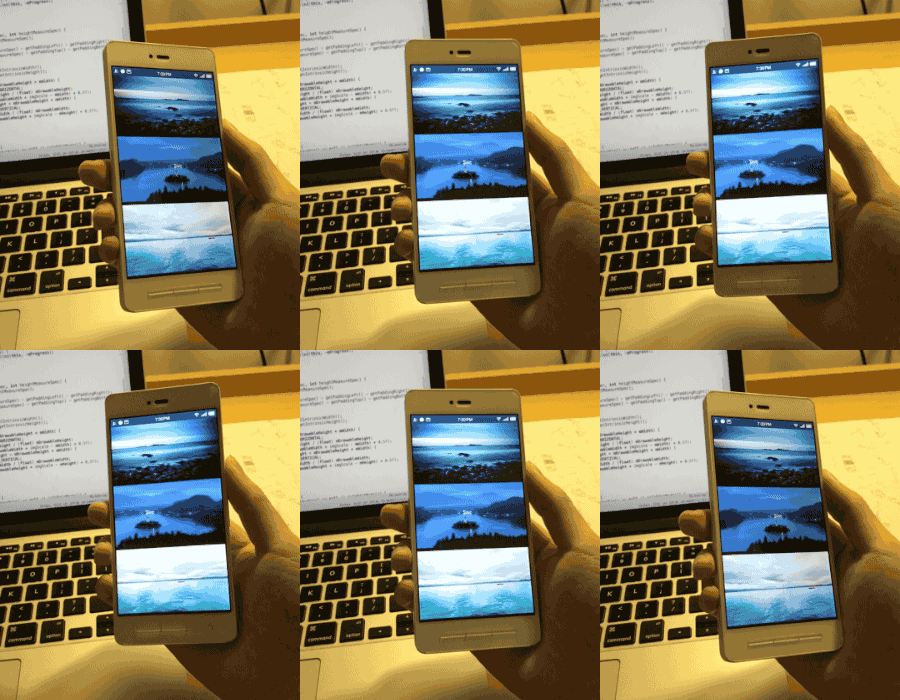
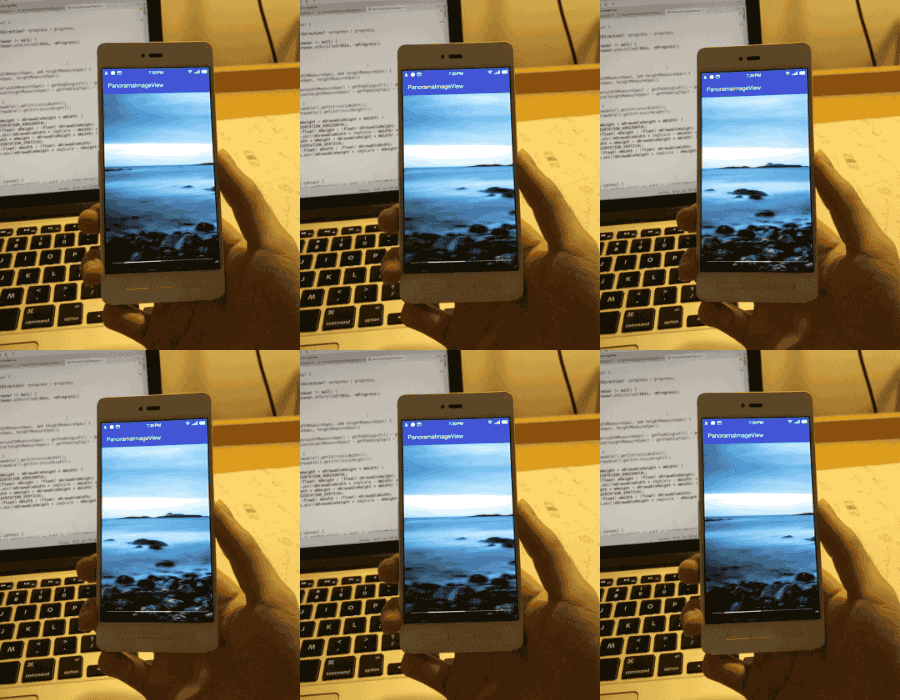
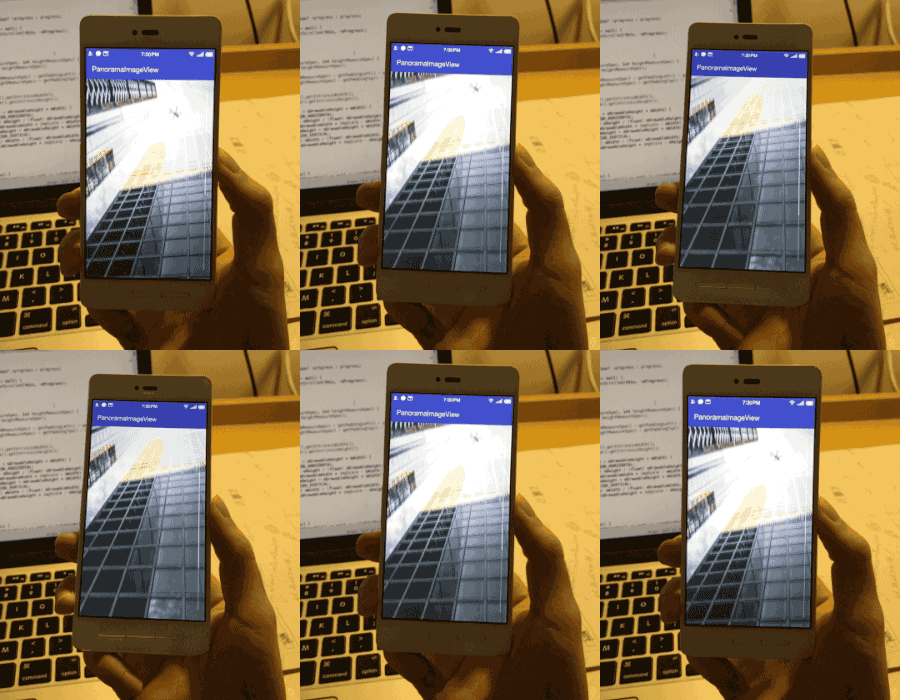
Multiverse app Active Member Licensed User Longtime User Nov 12, 2017 #1 https://github.com/gjiazhe/PanoramaImageView An imageView can auto scroll with device rotating. ScreenShots
https://github.com/gjiazhe/PanoramaImageView An imageView can auto scroll with device rotating. ScreenShots
Multiverse app Active Member Licensed User Longtime User Nov 12, 2017 #3 DonManfred said: The Screenshots are not Visible to me. Click to expand... updated
DonManfred Expert Licensed User Longtime User Nov 12, 2017 #4 Looks interesting... What is it worth you?
Multiverse app Active Member Licensed User Longtime User Nov 12, 2017 #6 DonManfred said: Click to expand... Wow! that was fast!
Multiverse app Active Member Licensed User Longtime User Nov 12, 2017 #8 DonManfred said: It it is worth a donation for you? Click to expand... It depends- My app has an image loaded in a webview (and not imageview), using loadhtml. Will have to see the library methods for that.
DonManfred said: It it is worth a donation for you? Click to expand... It depends- My app has an image loaded in a webview (and not imageview), using loadhtml. Will have to see the library methods for that.
DonManfred Expert Licensed User Longtime User Nov 12, 2017 #9 It does not work with a Webview. The PanoramaView is a CustomView you need to add with the Designer.
Multiverse app Active Member Licensed User Longtime User Nov 12, 2017 #10 Can you post the library methods?
DonManfred Expert Licensed User Longtime User Nov 12, 2017 #11 There is not much. Three boolean properties in the designer and in code you need to set the bitmap by yourself. Additionally to that you need to call one method in activity resume and one in activity pause There are no methods to "move the image" by code or so. Are you searching for a specific method? PanoramaImageview Author: DonManfred Version: 1.0 PanoramaImageView Events: onScrolled (value As Float) Fields: ba As BA Functions: BringToFront DesignerCreateView (base As Panel, lw As Label, props As Map) Initialize (EventName As String) Invalidate Invalidate2 (arg0 As android.graphics.Rect) Invalidate3 (arg0 As Int, arg1 As Int, arg2 As Int, arg3 As Int) IsInitialized As Boolean onPause onResume RemoveView RequestFocus As Boolean SendToBack SetBackgroundImage (arg0 As android.graphics.Bitmap) As BitmapDrawable SetColorAnimated (arg0 As Int, arg1 As Int, arg2 As Int) SetLayout (arg0 As Int, arg1 As Int, arg2 As Int, arg3 As Int) SetLayoutAnimated (arg0 As Int, arg1 As Int, arg2 As Int, arg3 As Int, arg4 As Int) SetVisibleAnimated (arg0 As Int, arg1 As Boolean) Properties: Background As android.graphics.drawable.Drawable Color As Int [write only] Enabled As Boolean Height As Int ImageBitmap As android.graphics.Bitmap [write only] ImageDrawable As android.graphics.drawable.Drawable [write only] ImageURI As android.net.Uri [write only] ImageURIstring As String [write only] InvertScrollDirection As Boolean Left As Int Orientation As Byte [read only] Padding As Int() PanoramaModeEnabled As Boolean Parent As Object [read only] ScrollbarEnabled As Boolean Tag As Object Top As Int Visible As Boolean Width As Int Attention: You need to - call pan1.onResume in Activity_resume! - call pan1.onPause in Activity_Pause! for each PanoramaImageview...

There is not much. Three boolean properties in the designer and in code you need to set the bitmap by yourself. Additionally to that you need to call one method in activity resume and one in activity pause There are no methods to "move the image" by code or so. Are you searching for a specific method? PanoramaImageview Author: DonManfred Version: 1.0 PanoramaImageView Events: onScrolled (value As Float) Fields: ba As BA Functions: BringToFront DesignerCreateView (base As Panel, lw As Label, props As Map) Initialize (EventName As String) Invalidate Invalidate2 (arg0 As android.graphics.Rect) Invalidate3 (arg0 As Int, arg1 As Int, arg2 As Int, arg3 As Int) IsInitialized As Boolean onPause onResume RemoveView RequestFocus As Boolean SendToBack SetBackgroundImage (arg0 As android.graphics.Bitmap) As BitmapDrawable SetColorAnimated (arg0 As Int, arg1 As Int, arg2 As Int) SetLayout (arg0 As Int, arg1 As Int, arg2 As Int, arg3 As Int) SetLayoutAnimated (arg0 As Int, arg1 As Int, arg2 As Int, arg3 As Int, arg4 As Int) SetVisibleAnimated (arg0 As Int, arg1 As Boolean) Properties: Background As android.graphics.drawable.Drawable Color As Int [write only] Enabled As Boolean Height As Int ImageBitmap As android.graphics.Bitmap [write only] ImageDrawable As android.graphics.drawable.Drawable [write only] ImageURI As android.net.Uri [write only] ImageURIstring As String [write only] InvertScrollDirection As Boolean Left As Int Orientation As Byte [read only] Padding As Int() PanoramaModeEnabled As Boolean Parent As Object [read only] ScrollbarEnabled As Boolean Tag As Object Top As Int Visible As Boolean Width As Int Attention: You need to - call pan1.onResume in Activity_resume! - call pan1.onPause in Activity_Pause! for each PanoramaImageview...
Multiverse app Active Member Licensed User Longtime User Nov 12, 2017 #12 Alrighty, I think I can find another application for it. The library is too good to pass!