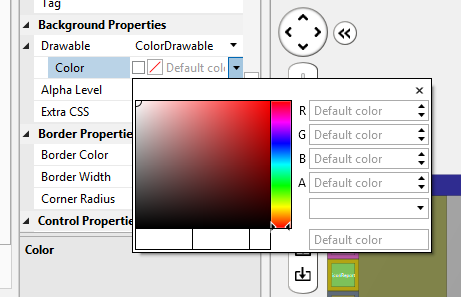
I have tried numerous approaches to set the background color of a label in B4J without success. I see this has been much discussed for B4A and has solutions. These solutions do not work for B4J.
Wrong approaches:
Lbl.Style="-fx.background-color: red;"
Lbl.Style = "-fx-font-size: 2.0em; -fx-Font-family: 'Segoe UI Semibold'; -fx-background.color: red; -fx-text-fill: black; -fx-opacity: 1;"
'Lbl.Color=fx.Colors.Transparent
'Lbl.Color=fx.Colors.ARGB(114,0,0,0)
I am out of ideas. Can some help?
Wrong approaches:
Lbl.Style="-fx.background-color: red;"
Lbl.Style = "-fx-font-size: 2.0em; -fx-Font-family: 'Segoe UI Semibold'; -fx-background.color: red; -fx-text-fill: black; -fx-opacity: 1;"
'Lbl.Color=fx.Colors.Transparent
'Lbl.Color=fx.Colors.ARGB(114,0,0,0)
I am out of ideas. Can some help?