
Today I found a simple way to run B4J on macOS (I am using macOS Sequoia version 15.7.5 on my MacBookPro mid 2015 Intel chipset).
You need to get Sikarugir
Link: https://github.com/Sikarugir-App/Sikarugir
Install using homebrew
Apple Silicon systems also require Rosetta2
After successfully running the script from terminal, a "Sikarugir Creator" app and a folder name "Sikarugir" will appear inside your /Applications.
On my mac, the "Sikarugir Creator" app has a blank icon.
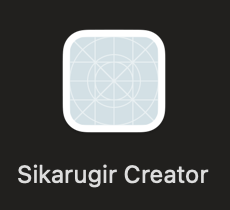
Double-click to launch it.
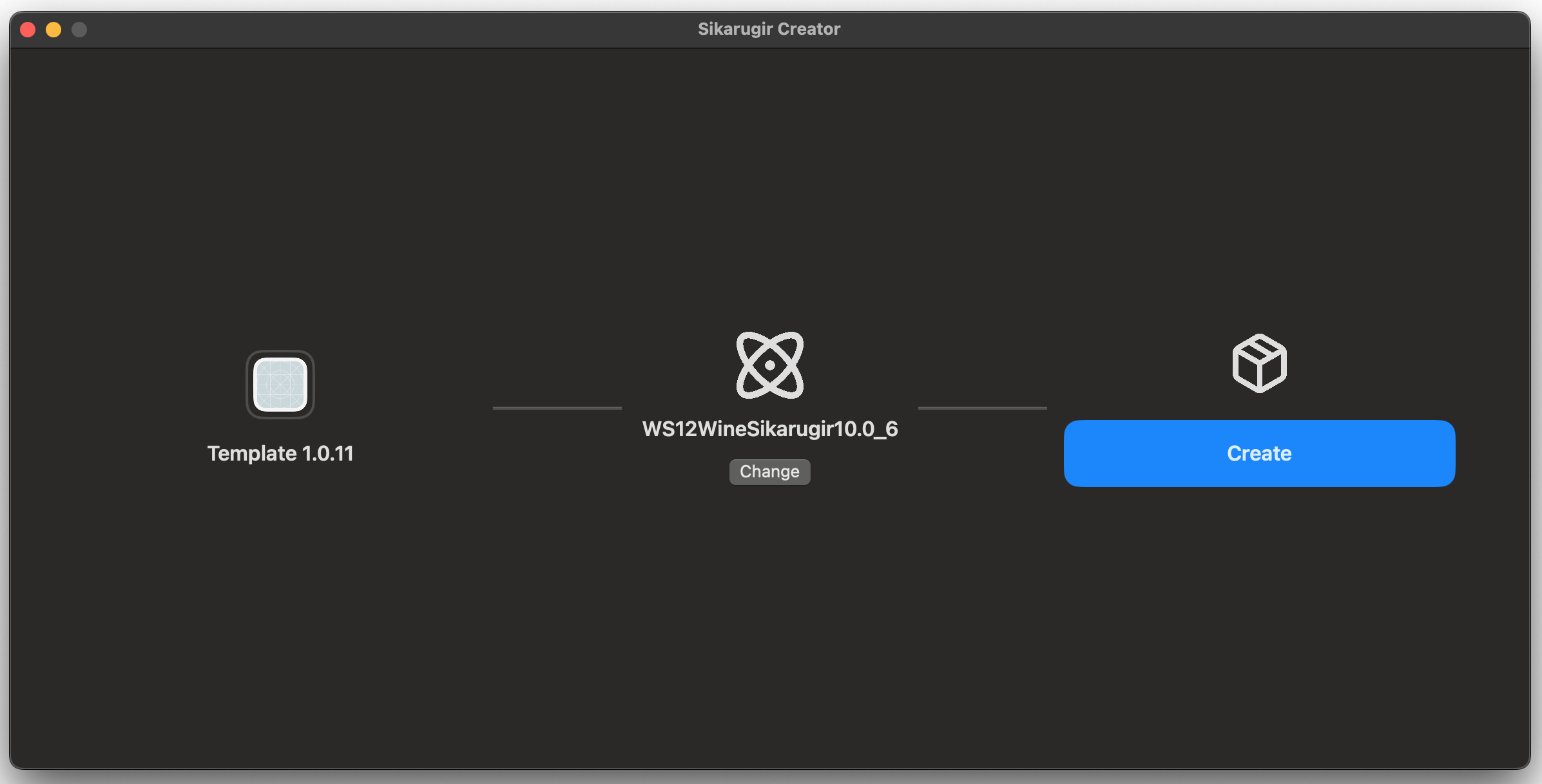
1. Click the blue button on the left to download the Template 1.0.11. Wait for the download to finish. Since I already downloaded the button is disabled now.
2. Click the Change button at the center to select and download an engine. I selected the first item WS12WineSikarugir10.0_6.
3. Click Create button on the right. Enter B4J.app and wait for the app finished to create the wrapper.
Find the B4J.app wrapper inside "Sikarugir" folder at path /Users/username/Applications/Sikarugir
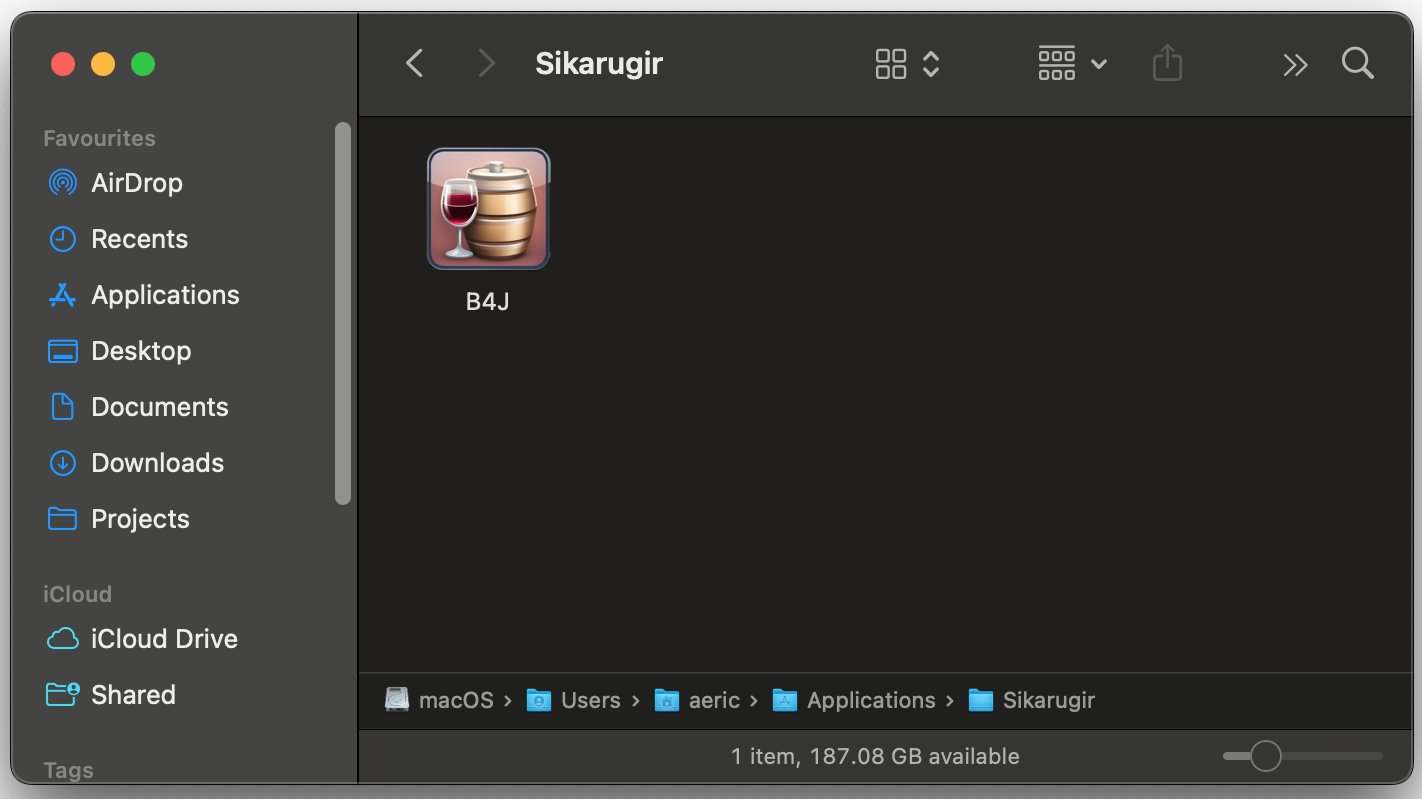
Open the app for first time.
The Windows app path may shows "nothing.exe"
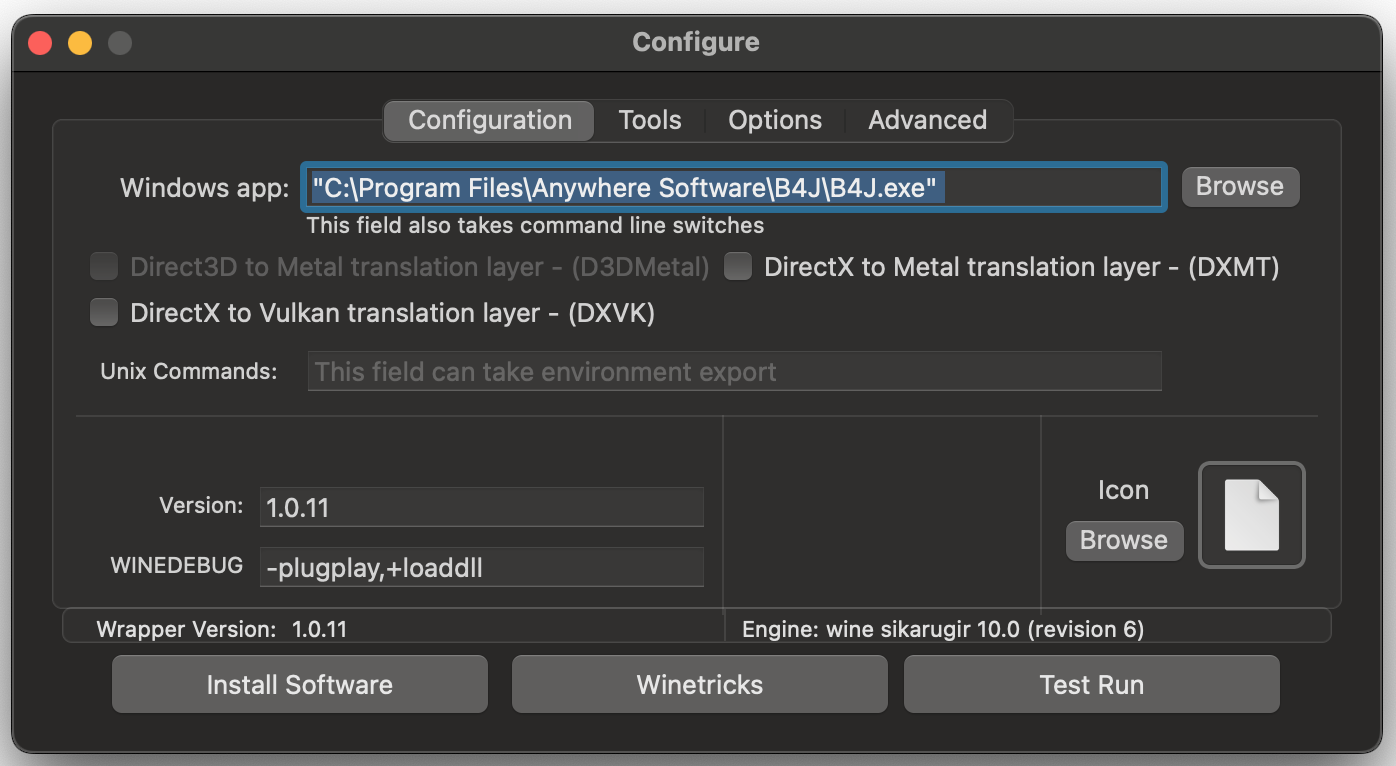
Download B4J installer and JDK 19 from B4X website.
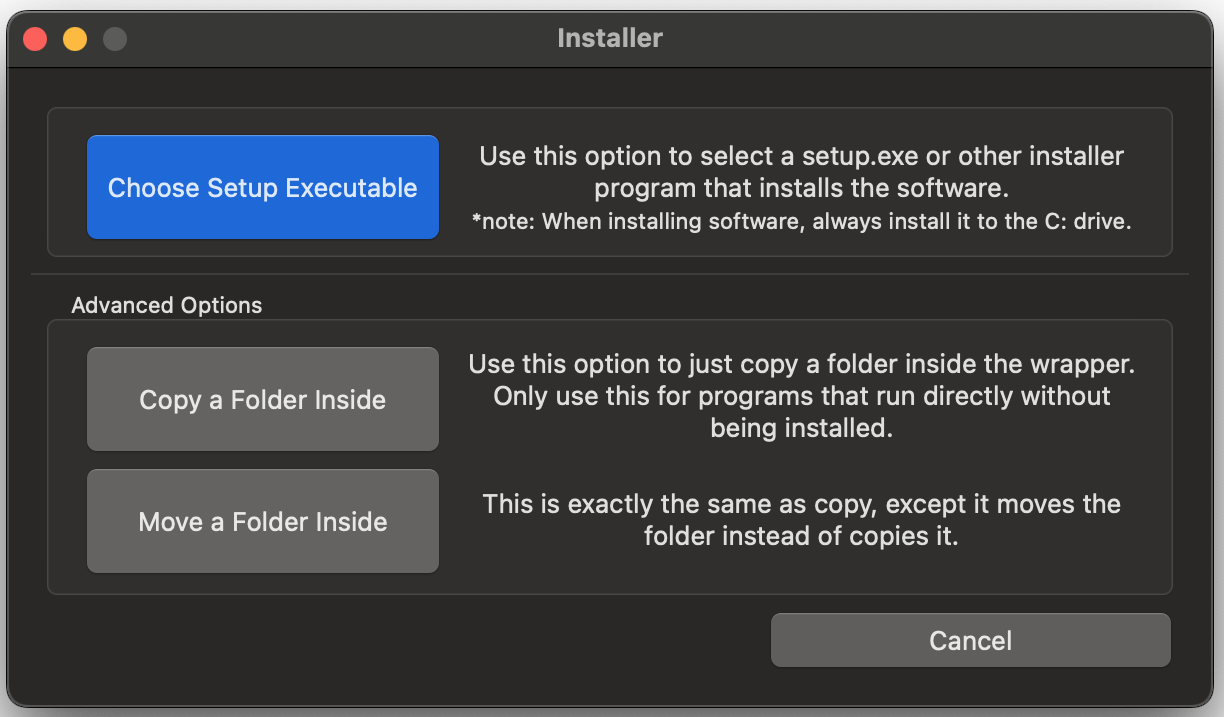
Click Install Software button and browse the downloaded B4J installer to install B4J.
You can unzip JDK19 and use the Copy a Folder Inside button to copy the JDK19 folder to C:\Program Files folder.
Update the Windows app path by browsing the path to B4J.exe in "C:\Program Files\Anywhere Software\B4J\B4J.exe"
Click Winetricks button to install required dlls which are dotnet452 and vcrun2010.
That's all.
You can click the Test Run button or close the Configure app.
Note: After the wrapper is configured, you need to "right-click" (or double-fingers click) to Show Package Contents and find the Configure app.
To run B4J, just double click the B4J.app icon.
You can check the video on the README of the repo but the user interface is slightly different.
Optional steps:
Change the icon and drag it to /Applications folder.
You need to get Sikarugir
Link: https://github.com/Sikarugir-App/Sikarugir
Install using homebrew
Bash:
brew upgrade
brew install --cask Sikarugir-App/sikarugir/sikarugir
Apple Silicon systems also require Rosetta2
Bash:
/usr/sbin/softwareupdate --install-rosetta --agree-to-licenseAfter successfully running the script from terminal, a "Sikarugir Creator" app and a folder name "Sikarugir" will appear inside your /Applications.
On my mac, the "Sikarugir Creator" app has a blank icon.
Double-click to launch it.
1. Click the blue button on the left to download the Template 1.0.11. Wait for the download to finish. Since I already downloaded the button is disabled now.
2. Click the Change button at the center to select and download an engine. I selected the first item WS12WineSikarugir10.0_6.
3. Click Create button on the right. Enter B4J.app and wait for the app finished to create the wrapper.
Find the B4J.app wrapper inside "Sikarugir" folder at path /Users/username/Applications/Sikarugir
Open the app for first time.
The Windows app path may shows "nothing.exe"
Download B4J installer and JDK 19 from B4X website.
Click Install Software button and browse the downloaded B4J installer to install B4J.
You can unzip JDK19 and use the Copy a Folder Inside button to copy the JDK19 folder to C:\Program Files folder.
Update the Windows app path by browsing the path to B4J.exe in "C:\Program Files\Anywhere Software\B4J\B4J.exe"
Click Winetricks button to install required dlls which are dotnet452 and vcrun2010.
That's all.
You can click the Test Run button or close the Configure app.
Note: After the wrapper is configured, you need to "right-click" (or double-fingers click) to Show Package Contents and find the Configure app.
To run B4J, just double click the B4J.app icon.
You can check the video on the README of the repo but the user interface is slightly different.
Optional steps:
Change the icon and drag it to /Applications folder.
Last edited:


