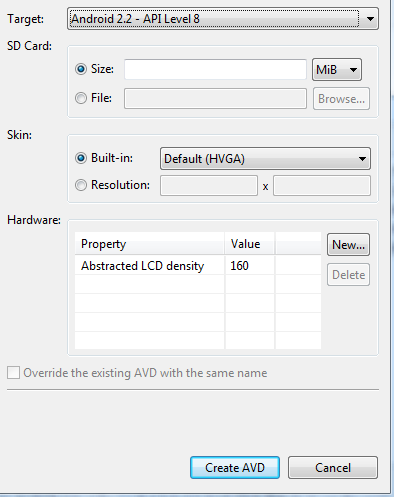
I desing an activity using the emulator 480x800, density 240
On my pc, I scale down to screen size 4.5 to show the full screen on my pc (1240x800)
I define a label here: x=470, y=724
now, RUN!
on my device 480x800 density 240 the label is in the lower-right corner.
OK, I wanted it there. good job, designer!
on a device 600x800 density 240 the label is... I don't understand... about 60% from the left and 60% from the top...
I was thinking I had simply a black stripe on the right because there are 120 "unuseful" pixels = 600-480
(of course if i put it form code, saying label.left=470 label.top=724 it goes "near" the right border, and close to the bottom border)
The auto-resizing feature does silly things...
so the question is: can I completely DISABLE the auto resize feature?
I will use the designer using absolute coords...
OR how can I control it (for this example: "dear device, use all the screen you can. the image is 480x800? use it. don't mind about your 120 more beautiful pixel..."
OR what can I do?
thank you
On my pc, I scale down to screen size 4.5 to show the full screen on my pc (1240x800)
I define a label here: x=470, y=724
now, RUN!
on my device 480x800 density 240 the label is in the lower-right corner.
OK, I wanted it there. good job, designer!
on a device 600x800 density 240 the label is... I don't understand... about 60% from the left and 60% from the top...
I was thinking I had simply a black stripe on the right because there are 120 "unuseful" pixels = 600-480
(of course if i put it form code, saying label.left=470 label.top=724 it goes "near" the right border, and close to the bottom border)
The auto-resizing feature does silly things...
so the question is: can I completely DISABLE the auto resize feature?
I will use the designer using absolute coords...
OR how can I control it (for this example: "dear device, use all the screen you can. the image is 480x800? use it. don't mind about your 120 more beautiful pixel..."
OR what can I do?
thank you
Last edited: