Android Tutorial [Linux] B4A Wine Installer

GitHub: https://github.com/pyhoon/b4a-wine-installer
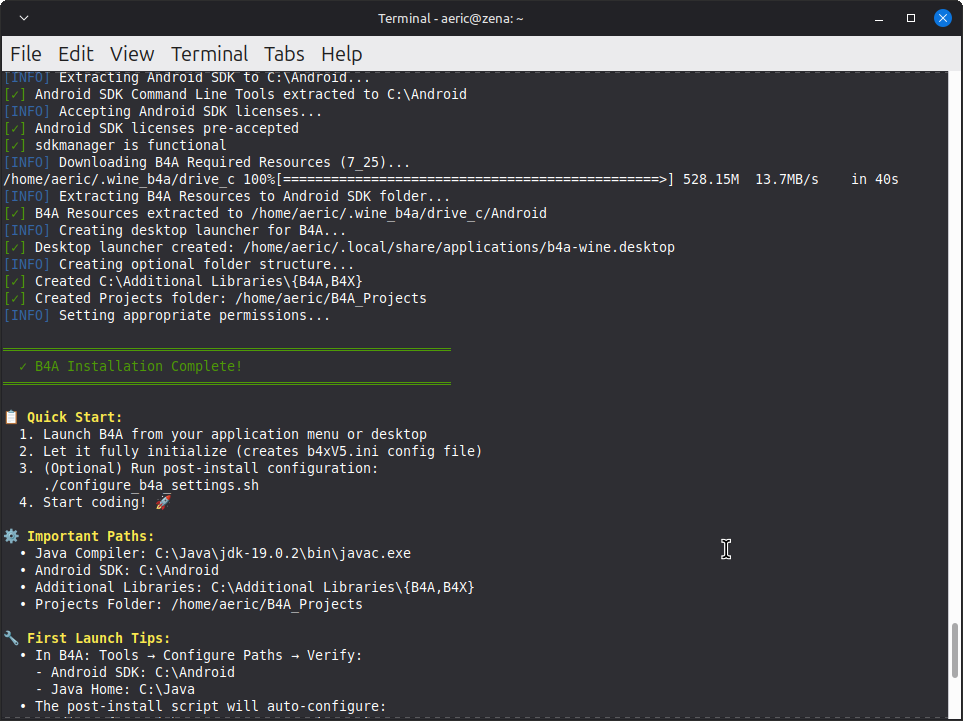
Screenshot1.png
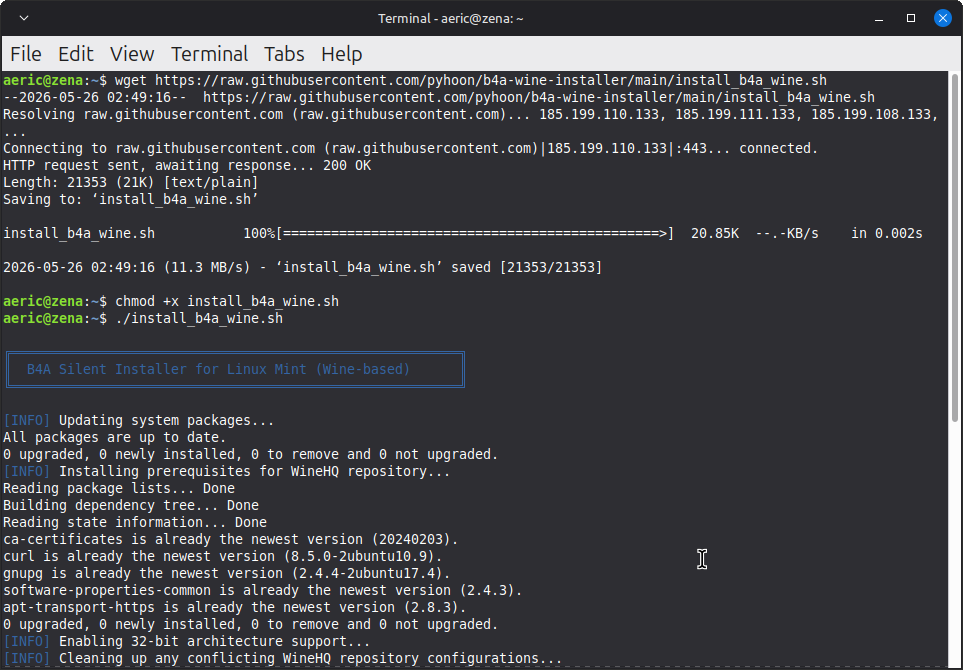
Screenshot2.png


Files:
  1. install_b4a_wine.sh
  2. uninstall_b4a_wine.sh
  3. configure_b4a_settings.sh
  4. README.md
The script is modified from the B4J Wine Installer script generated by AI (Qwen3.6-Plus chat)

Disclaimer: I haven't really fully tested it. Use it at your own risk.

🤝 Contributing​

Found an issue or have an improvement?
  1. Fork the repository
  2. Create a feature branch
  3. Submit a Pull Request

📄 License​

MIT License - See LICENSE file for details.
 

Attachments

  • b4a-wine-installer.zip
    15.7 KB · Views: 3
Last edited:

aeric

Expert
Licensed User
Longtime User

⚙️ Post-Installation Configuration​

The `b4xV5.ini` configuration file is created by B4A on its first run, not during installation. To respect this workflow, we provide a separate configuration script.

How to Apply Preferenced Settings​

1. Launch B4A once (from menu or desktop)
2. Close B4A (no need to create a project)
3. Run the configurator:

Bash:
wget https://raw.githubusercontent.com/pyhoon/b4a-wine-installer/main/configure_b4a_settings.sh
chmod +x configure_b4a_settings.sh
Bash:
./configure_b4a_settings.sh

The script automatically configures `b4xV5.ini` with optimized settings:

Setting​
Value​
Purpose​
AdditionalLibrariesFolderC:\Additional LibrariesLocation for B4A library files
FontName2Ubuntu Sans MonoEditor font for better readability
FontSize215
JavaBinC:\Java\jdk-19.0.2\binPath to JDK compiler
logs_FontName2Ubuntu SansLog panel font settings
logs_FontSize215
NewProjectDefaultFolderZ:\home\USER\B4A_ProjectsDefault project save location (Linux-native)
PlatformFolderC:\Program Files\...\android-36Android SDK platform reference

Manual Override

To edit settings after installation:
Bash:
# Open the INI file in your preferred editor
nano ~/.wine_b4a/drive_c/users/\$(whoami)/AppData/Roaming/Anywhere\ Software/Basic4android/b4xV5.ini
 
Top